
 Skip to content



PARCELE SUAS COMPRAS NAS MELHORES BANDEIRAS
Guaranteed Purchase: Você tem até 30 dias de Garantia
Free Exchange: Você tem até 7 dias para testar o produto
-
498
Pedidos entregues nos últimos 60 dias
-
Presta bom atendimento
-
Entrega os produtos dentro do prazo
Description
SPECIFICATIONS
AI Functions: Motion Detection
Alarm Type: telefon Alarm,FTP Photo,Email Photo
Brand Name: WGWK
Certification: CE
Color: black
Connectivity: RJ45
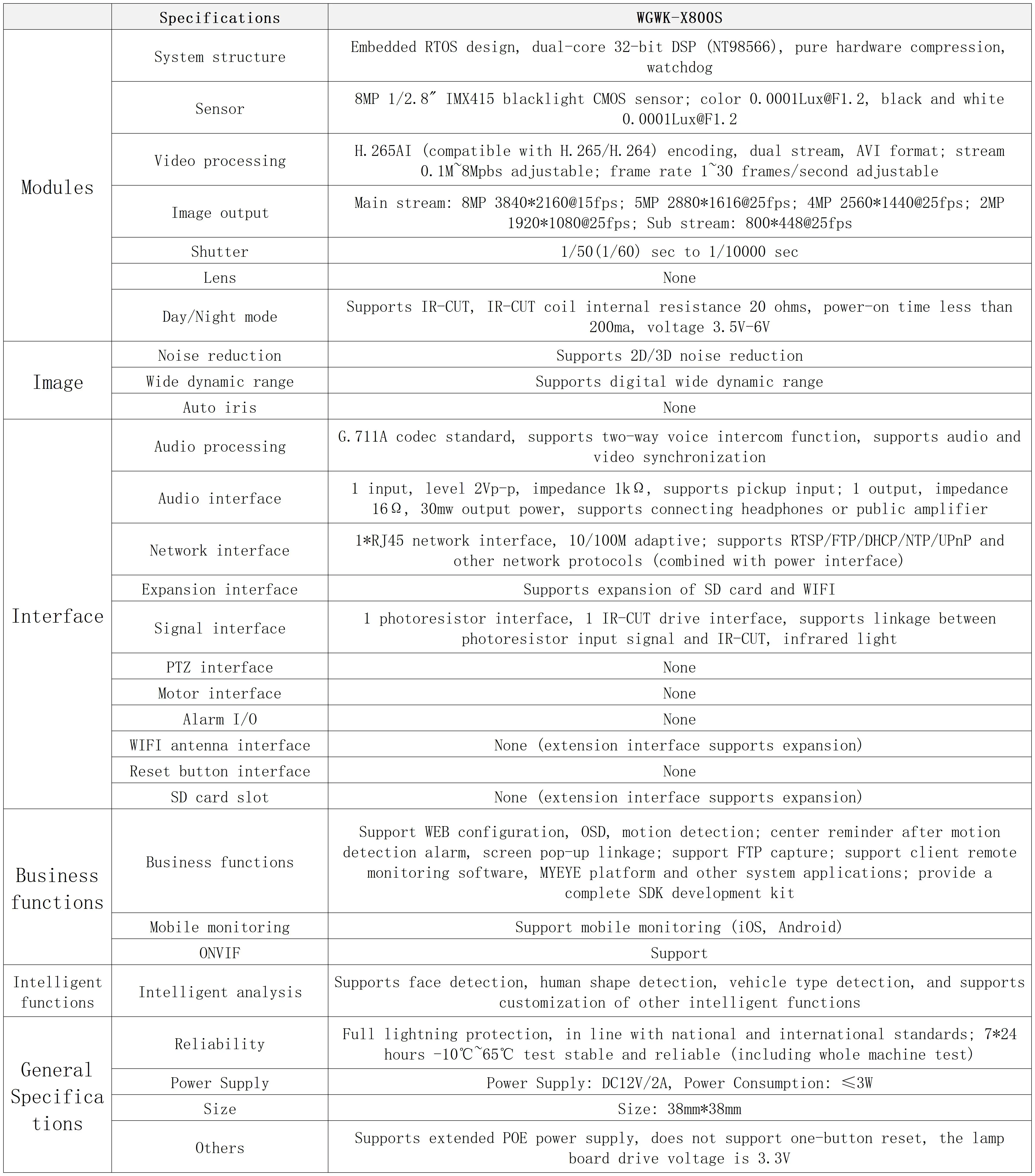
High Definition: 8.0 Megapixels
High-concerned chemical: None
Installation: Ceiling,Embedded,Normal,Wall Mounted
Internal Storage: None
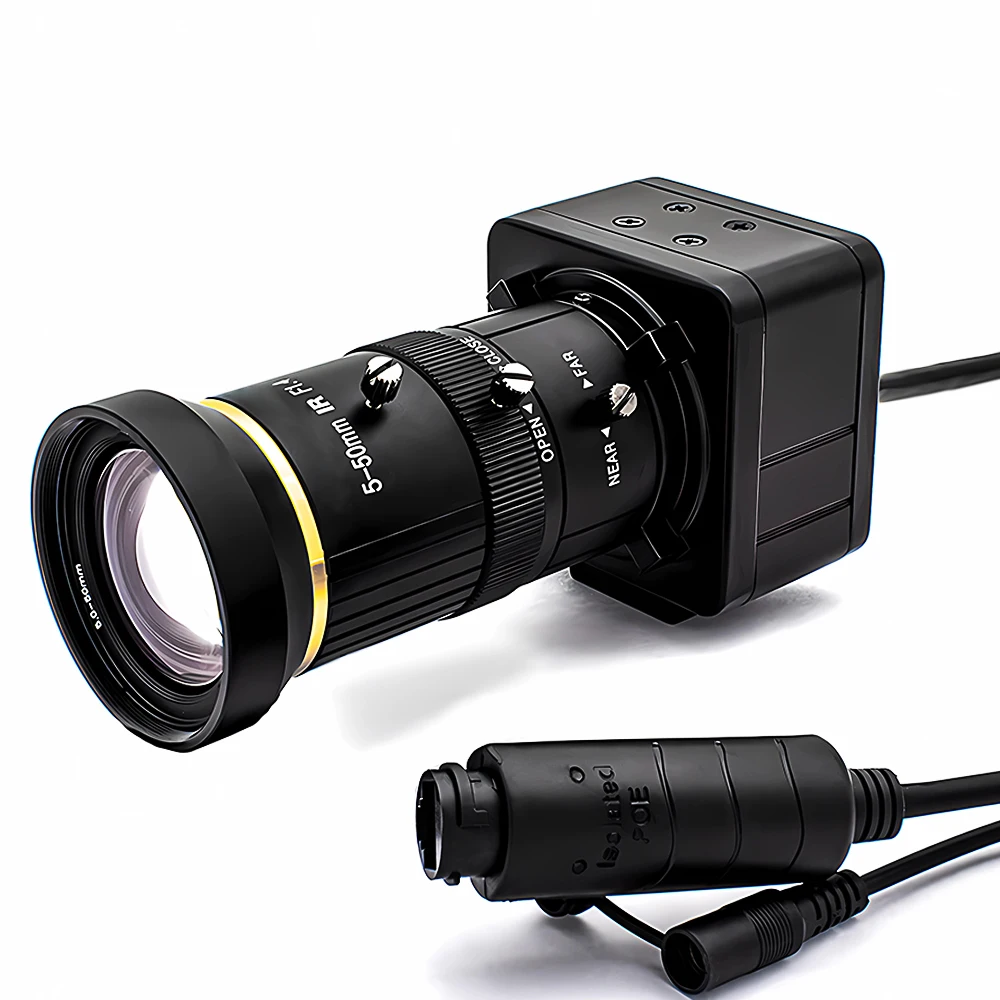
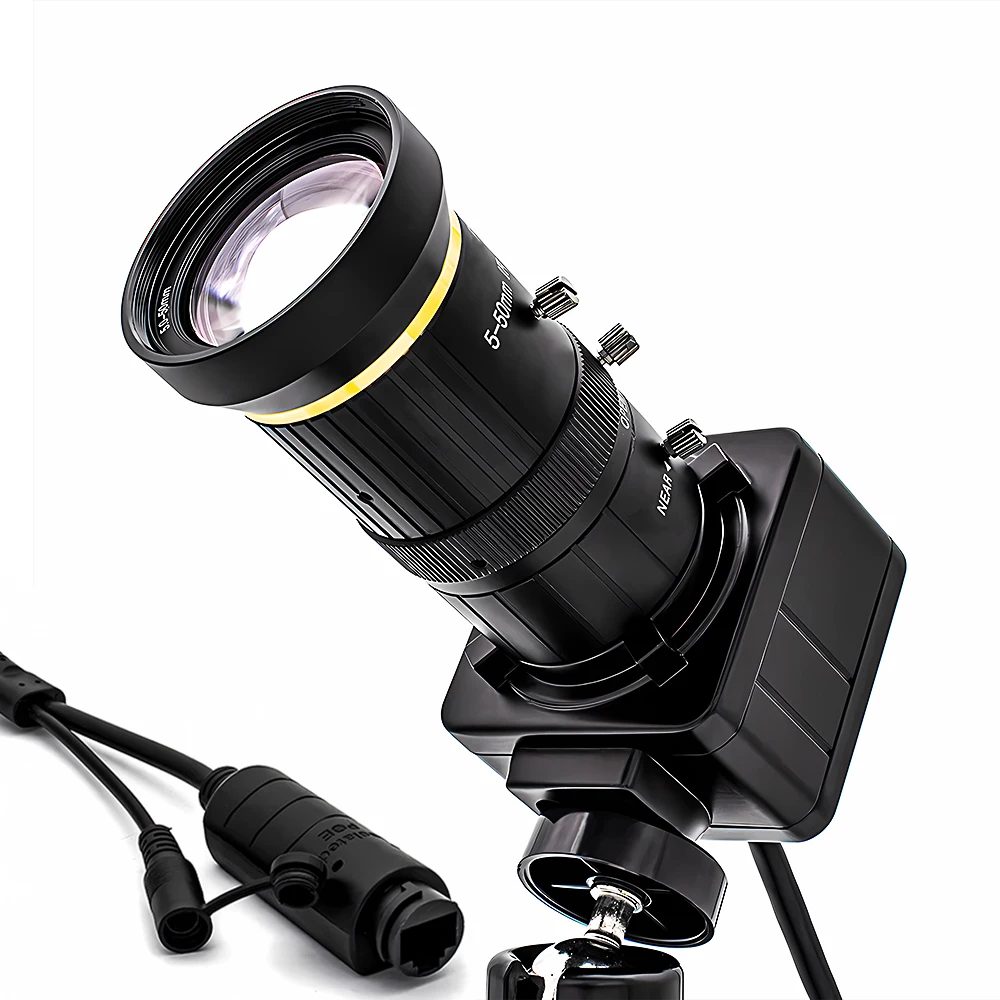
Lens (mm): 5-50mm
Lens Quantity: Single Lens
Megapixels: 8MP
Minimum Illumination(Lux): 0.0001Lux@F1.2
Operating Temperature: -10°-60°
Optical Zoom: Other
Origin: Mainland China
Power Mode: Mains Electricity
Power Source: With Poe,Normal
Power Supply: With Poe
Scene: Indoor
Sensor: CMOS
Sensor Brand: Sony
Shell Material: Metal
Smart home platform: Other
Style: Bullet Camera
Supported Mobile Systems: Windows Mobile,Android,iOS
Supported Operating Systems: Windows 98,Windows XP,Windows Vista,Windows 7,macOS,Windows 8,Windows 10,Windows 2000,Windows 2008,Windows 2003
Video Compression Format: H.265
Zoom: 10X
Zoom type: Optical zoom
is_customized: Yes
【New Product Launch】IP Network Camera, click the image for direct access to the purchase channel ▶

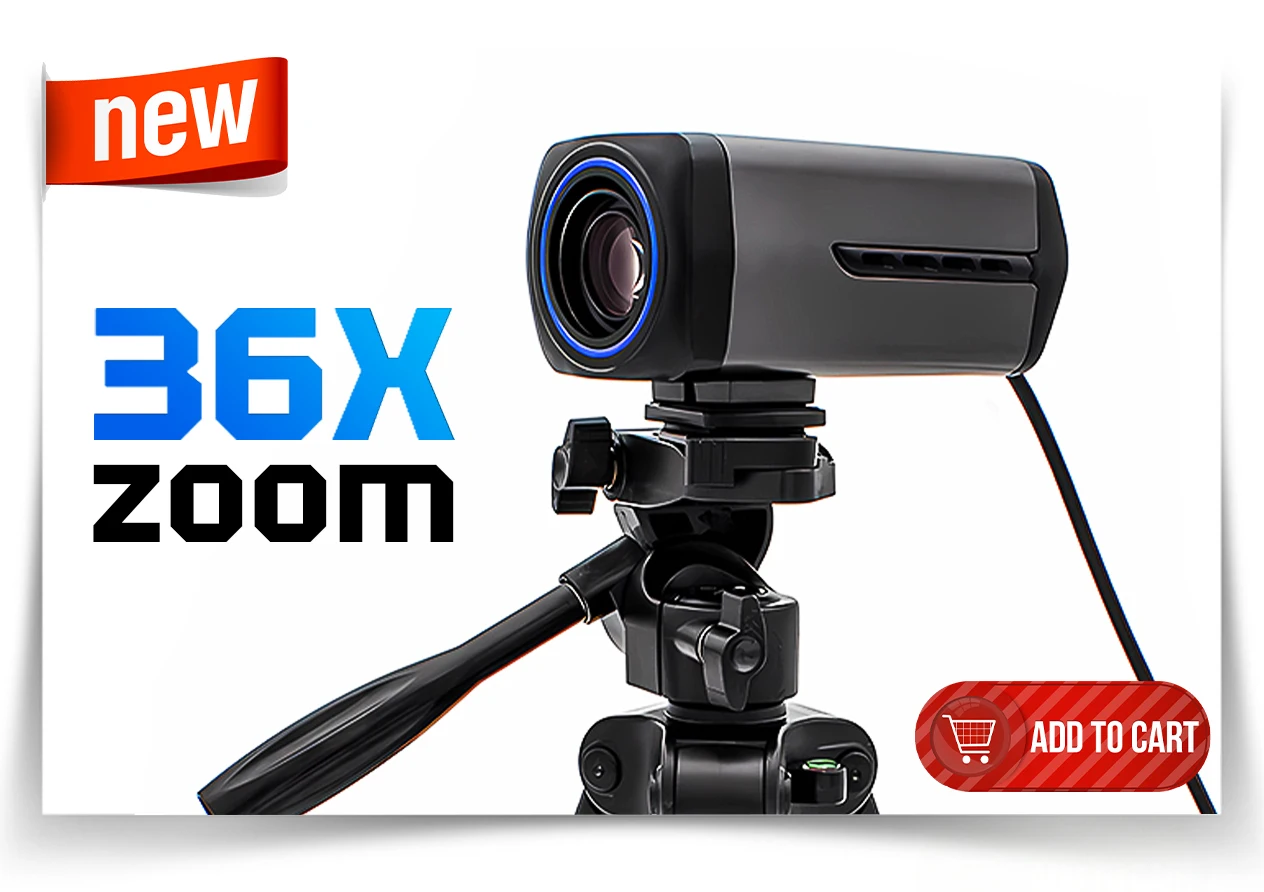

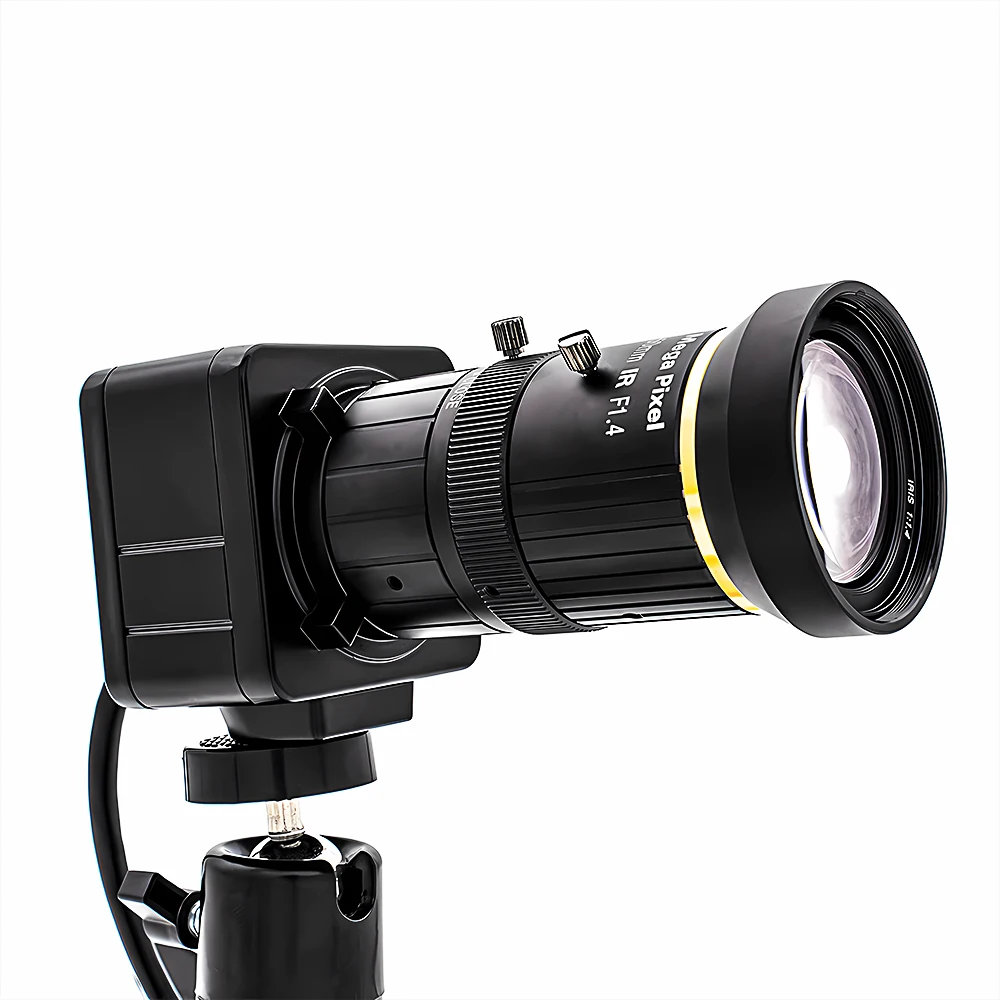
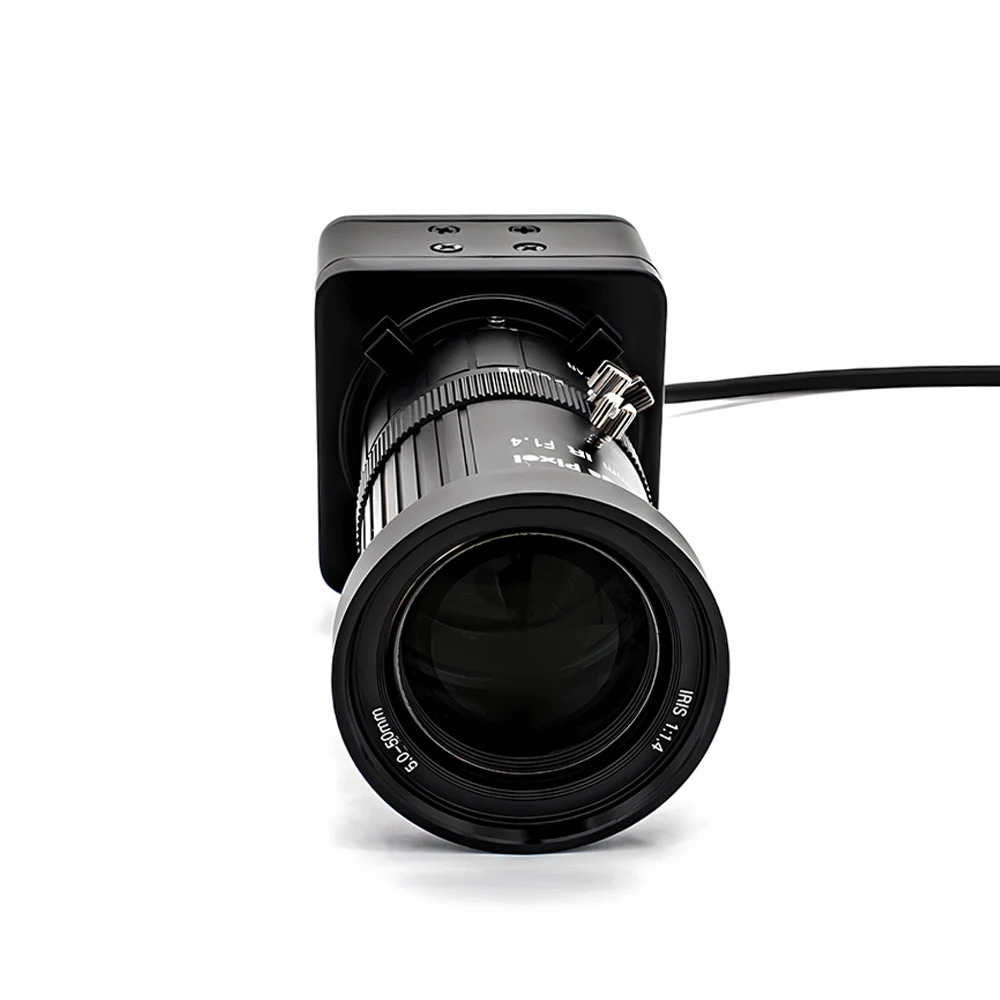
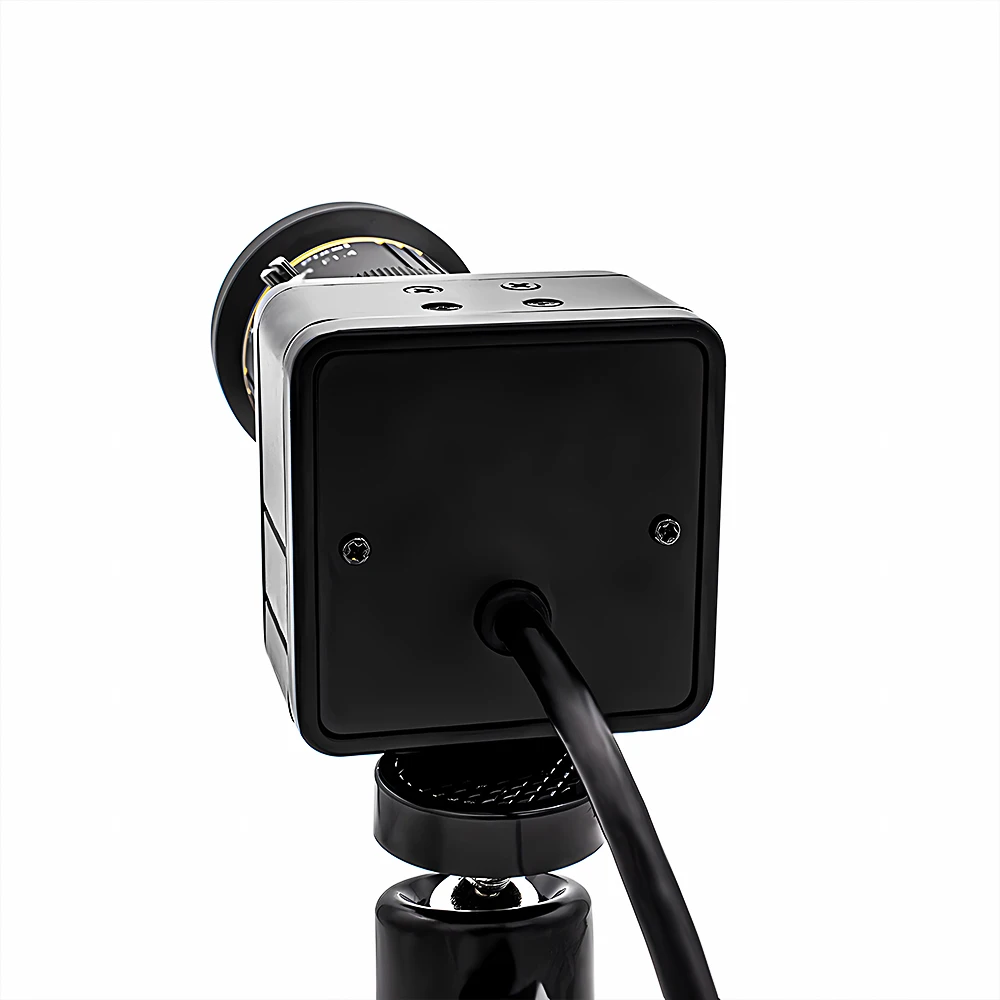
Enhance the flexibility and efficiency of your industrial applications by choosing our customizable industrial cameras! Whether it's the housing design, cable length, lens specifications, or special features, this camera can provide you with tailored solutions. WGWK 4K IP Camera Sony IMX415 SSC339G 8MP 5-50mm Manual Varifocal Lens Low illuminance POE RTSP P2P Onvif Security Protection
NOTE:
1. Not included Power Adapter, Please contact customer service if you need Power Adapter.(you can choose 48V POE to power on through Ethernet cable interface without the need for a power adapter)
2.Due to manual measurement, please allow an error of 2-3mm.
This network camera is specifically designed for high-end security and intelligent monitoring scenarios. It features a SONY IMX415 8-megapixel (8MP) sensor and supports smooth 4K resolution (3840×2160) recording at 15FPS. Combined with H.265 efficient encoding technology, it captures intricate details with clarity and dynamic motion without blurring.
-
Lens Configuration: Offers a variety of lens options, including distortion-free lenses and wide-angle lensesmeeting the needs of different scenarios.
-
POE48V Power Supply: Integrated Power over Ethernet (PoE) simplifies wiring, supports long-distance stable transmission, complies with IEEE 802.3af standards, offers strong compatibility, and is energy-efficient and environmentally friendly.
Core performance: Equipped with a 1/2.8-inch CMOS sensor IMX415, with a minimum illumination as low as 0.0001 Lux (in color mode), and a wide dynamic range of 120dB, it remains clear in backlit and low-light environments.


About RTPS
Address stream:
Enter the network URL in Please enter network URL:
rtsp://10.6.3.57:554/user=admin&password=&channel=1&stream=0.sdp?
10.6.3.57 This is the IP of the connected device
:554 This is the port number of the RTSP service, which can be changed in the device's network service
user=admin This is the login user name for the device
password= Password blank
channel=1 First channel
stream=0.sdp?Main code stream
stream=1.sdp?Auxiliary code stream
rtsp://192.168.1.10:554/user= admin&password=&channel=1&stream=0.sdp?
rtsp://10.6.3.57:554/user=admin&password=&channel=1&stream=0.sdp?
10.6.3.57 is the device IP address
:554 is RTSP port,can reset in device network service
user=admin is device user’s name
password= no pass word
channel=1 refer to Channel No.1
stream=0.sdp? mainstream
stream=1.sdp? substream
About computer operation and use
Make sure the camera is connected to the power supply and network
(the signal light flashes to prove that everything is normal)

Step 1 : Install VMS
VMS Computer Client: https://download.xm030.cn/d/MDAwMDE2OTA=
Step 2: Login VMS
UserName: admin,Password:admin

Step 3: Find your camera and add


APP download: Search XMEye in Apple Store


About Us:
1. We only ship to confirmed order addresses. Your order address MUST MATCH your Shipping address. If Your Address is Defined As Remote Area, You'll Need Pay Extra Remote Shipping Fee.
2. If you have any question, Please leave us a message. Our goal is customer satisfaction!
3. Retail and Wholesale are All Welcome ! The More You Buy, the More Discounts You Get ! Feel Free to Contact us For More Selections!
4. SERVICE TRANSIT TIME is provided by the carrier and excludes weekends and holidays. Transit time may vary, particularly during the holiday season.
5. All returned items MUST BE in the original packaging and you MUST PROVIDE us with the shipping tracking number, specific reason for the return, and your order ID.
6. We maintain high standards of excellence and strive for 100% customer satisfaction! Feedback is very important. We request that you contact us immediately BEFORE you give us neutral or negative feedback, so that we can perform up your satisfaction.

Privacy & Security
Payment methods
Your payment information is processed securely. We do not store credit card details nor have access to your credit card information.
Security
